Features
Everything Unyo can do — automations, agents and your Neural Core.
This page is not available in your language yet, so we are showing the English version.
Unyo turns everyday business work into something your AI employees handle for you. Here's what's under the hood.
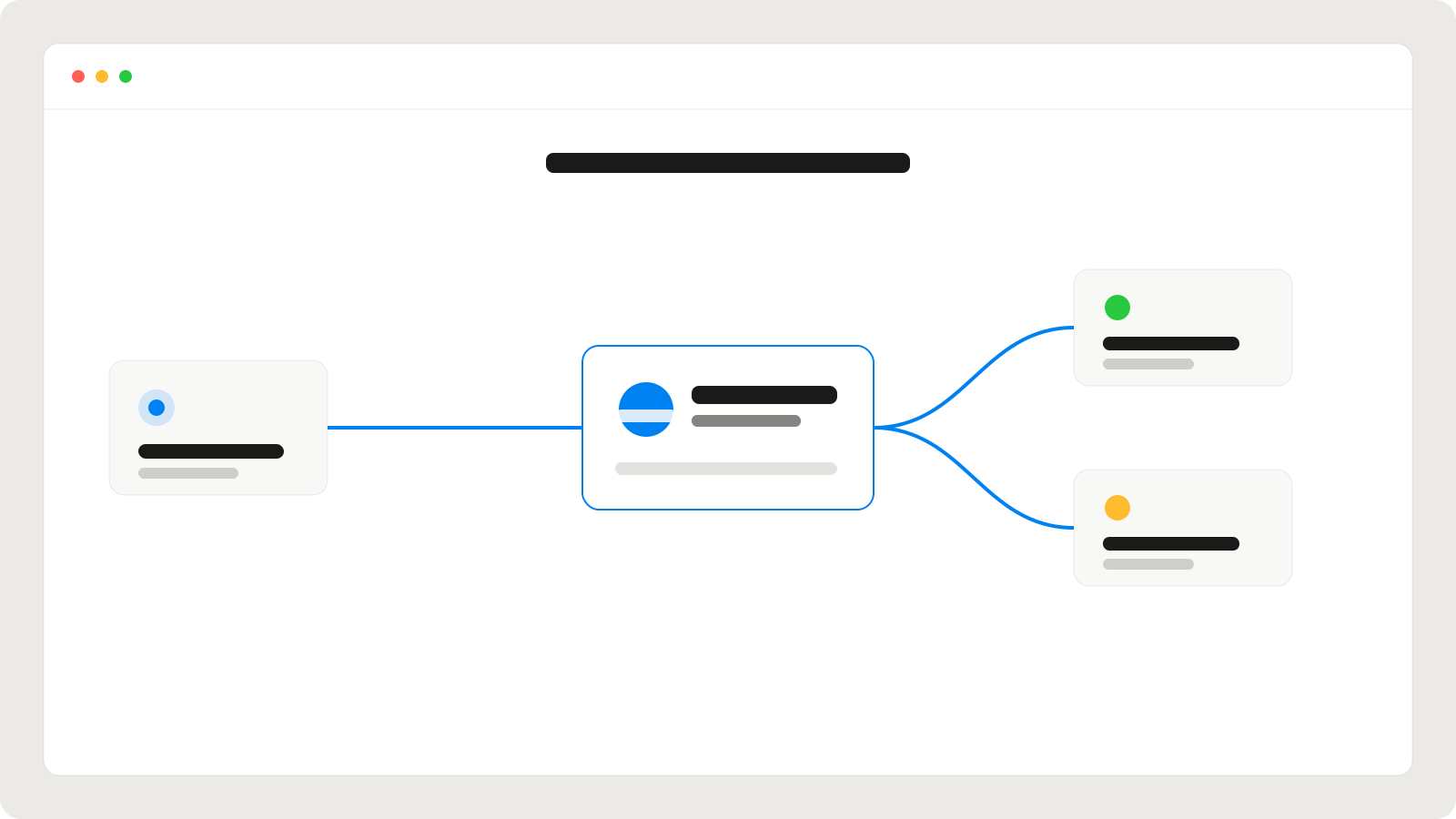
Core features
| Feature | What it does |
|---|---|
| Neural Core | A shared memory of your brand, tone and context |
| AI employees | Nine specialised agents you can assign work to |
| Integrations | Connect Gmail, Shopify, Slack, Notion and more |
| Approvals | Every outgoing action waits for your confirmation |
| Automations | Recurring tasks run on a schedule you set |
Tip
Fill in your Neural Core first — every agent gets sharper once it knows your brand voice.
Watch the overview
What makes it different
- Specialised, not generic — each agent is built for one job and does it well.
- Works where you work — no new dashboard to live in; Unyo acts inside your tools.
- Always reviewable — you see and approve everything before it ships.
Prompts to try
Paste any of these into Unyo to see your agents in action.
Create a Q3 business review. Cover revenue (up 23%), customer acquisition (down 15% cost), product launches (mobile app, API v2) and Q4 priorities. Make it executive‑friendly with clear charts.
Draft a week of LinkedIn posts announcing our new mobile app. Keep the tone confident but friendly, and end each post with a question.
Go through my unread emails, summarise what needs a reply, and draft responses for the three most urgent ones.
Can I use only some of the agents?
Yes. Turn agents on or off any time — start with one and add more as you grow.
Do automations run without me?
Only the ones you set up and allow. Anything that sends or posts still asks for approval unless you explicitly enable auto‑run.